Learning vocabulary is solved. Staying consistent with it is not.
Vocabulary acquisition is one of the best-understood areas of language learning. Spaced repetition works. Active recall works. Multi-modal exposure reading, hearing, producing works. The problem isn't that we don't know how to learn vocabulary. The problem is that most apps implementing these methods are either too academic to sustain daily use, or too gamified to build real competence.
I was studying Korean and wanted an app that took multiple study modes seriously one that would let me switch between flashcards when I wanted passive review, quizzes when I wanted active retrieval, and spelling drills when I wanted production practice all from the same deck, without creating separate study sessions for each mode.
I also wanted to build vocabulary battles with friends studying the same language, because competitive learning is genuinely fun and fun is what makes practice sustainable. Nothing on the App Store did all of this offline, without a subscription, for Korean and Thai alongside English.
4
Study modes each targeting a different cognitive depth
1,000+
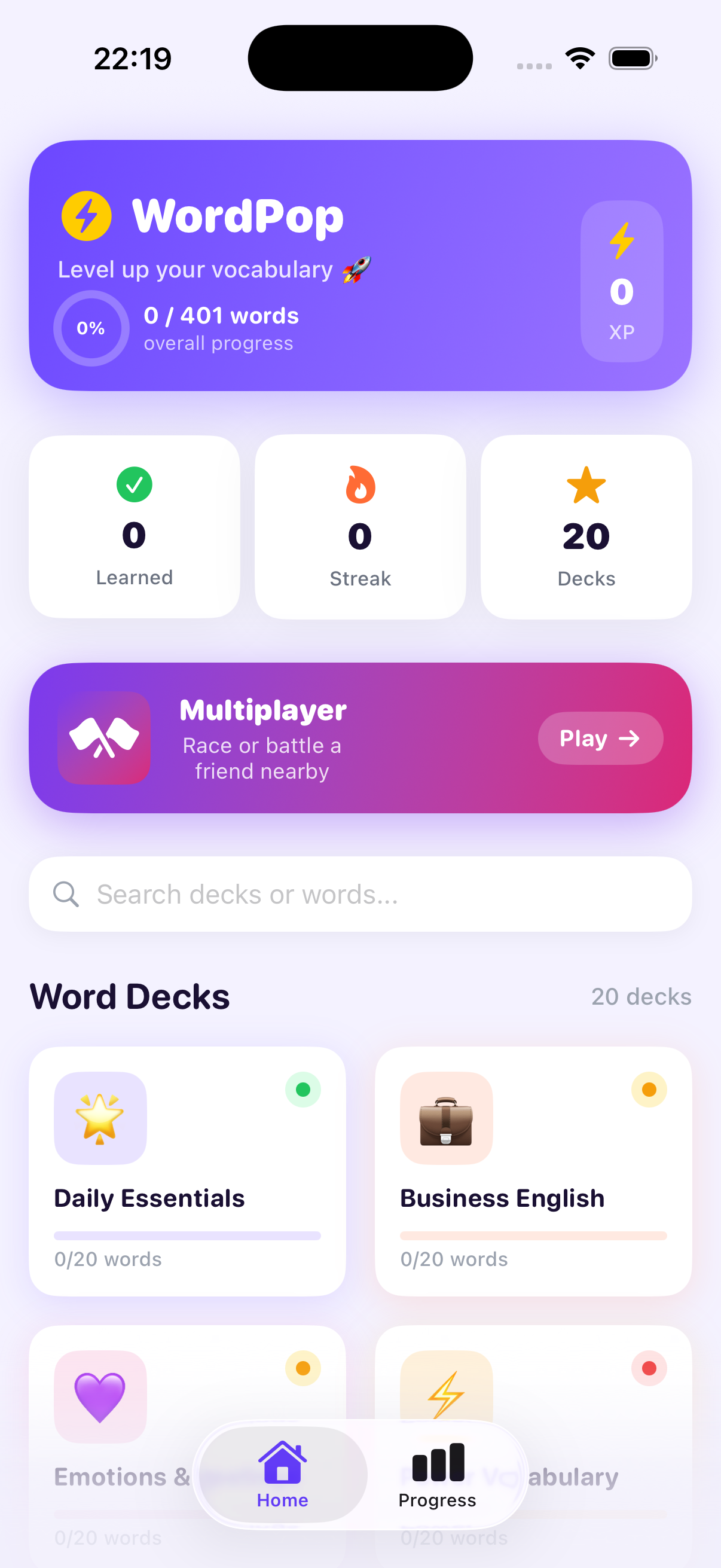
Curated vocabulary words across 20 topic decks
12
Languages for definition display including Vietnamese, Japanese, and Chinese
Four design problems to solve before building anything
Deck creation is too slow in every other app
Creating custom vocabulary decks by typing words one at a time is a significant friction point especially for students studying from printed textbook lists or handwritten notes. I wanted OCR-based deck creation: photograph a vocabulary list, and the app parses and imports the words automatically. The friction between "I have a list" and "I can study from it" needed to collapse to seconds, not minutes.
Subscriptions break the habit for casual learners
The apps with the best study mechanics are almost universally subscription-gated. For students or casual learners who want to study in bursts intensive for a few weeks before a trip, then dormant a monthly subscription creates psychological friction even before the cost. WordPopi is free with no paywall. The core learning experience is complete and unlimited.
Offline is not optional for real study conditions
Vocabulary study happens on commutes, in cafes, in transit environments where connectivity is unreliable. Every feature in WordPopi works fully offline. Decks, audio, definitions, and multiplayer (over local Wi-Fi) all function without an internet connection. This is an architectural decision, not a feature flag.
Single-mode apps don't serve different learning stages
New vocabulary requires different cognitive engagement at different learning stages: initial exposure needs passive recognition, early consolidation needs retrieval practice, and durable retention needs production. An app that only offers flashcards handles the first stage. One that only offers quizzes skips the first. The design challenge was making four modes feel like one coherent app rather than four bolted-together features.
The goal wasn't to build the most gamified vocabulary app it was to build the most complete one. Gamification is one tool, not the whole system.
Deck-first architecture one deck, every mode
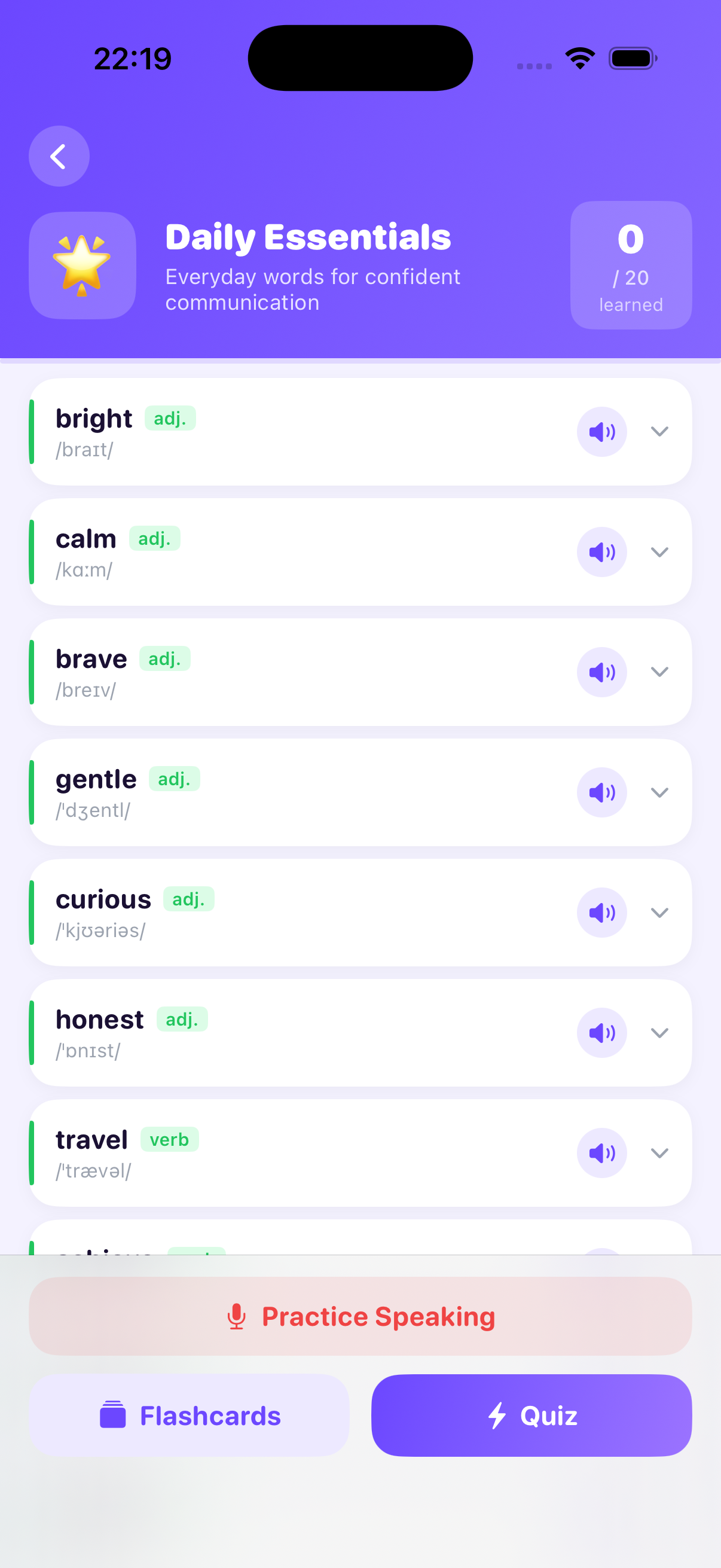
The core architectural decision was making decks the primary object, not study sessions. Every piece of functionality flashcards, quizzes, pronunciation, spelling, multiplayer operates on the same deck without any re-configuration. You browse your decks, choose a mode, and start. The session picks up where the adaptive algorithm thinks you need it most.
Adaptive repetition runs underneath every mode. The spaced repetition algorithm tracks performance per word per mode so a word you recognise easily on flashcards but struggle with on spelling gets surfaced more in spelling practice, not across all modes equally. This is a more granular model than most vocabulary apps implement.
Unified Deck Model
One deck works across all four study modes no duplication or mode-specific setup required
Per-mode Spaced Repetition
Adaptive algorithm tracks difficulty per word per mode not a single average across all study types
Offline-first Storage
All deck data, audio, and progress stored locally no sync, no account, no connectivity required
OCR Import
Photograph a printed vocabulary list to auto-create a deck Vision framework parses words and queries definitions automatically
Four modes each designed for a different cognitive depth
Each study mode targets a specific type of memory engagement. The design challenge was making four distinct interaction patterns feel like variations of the same system rather than separate features stitched together.
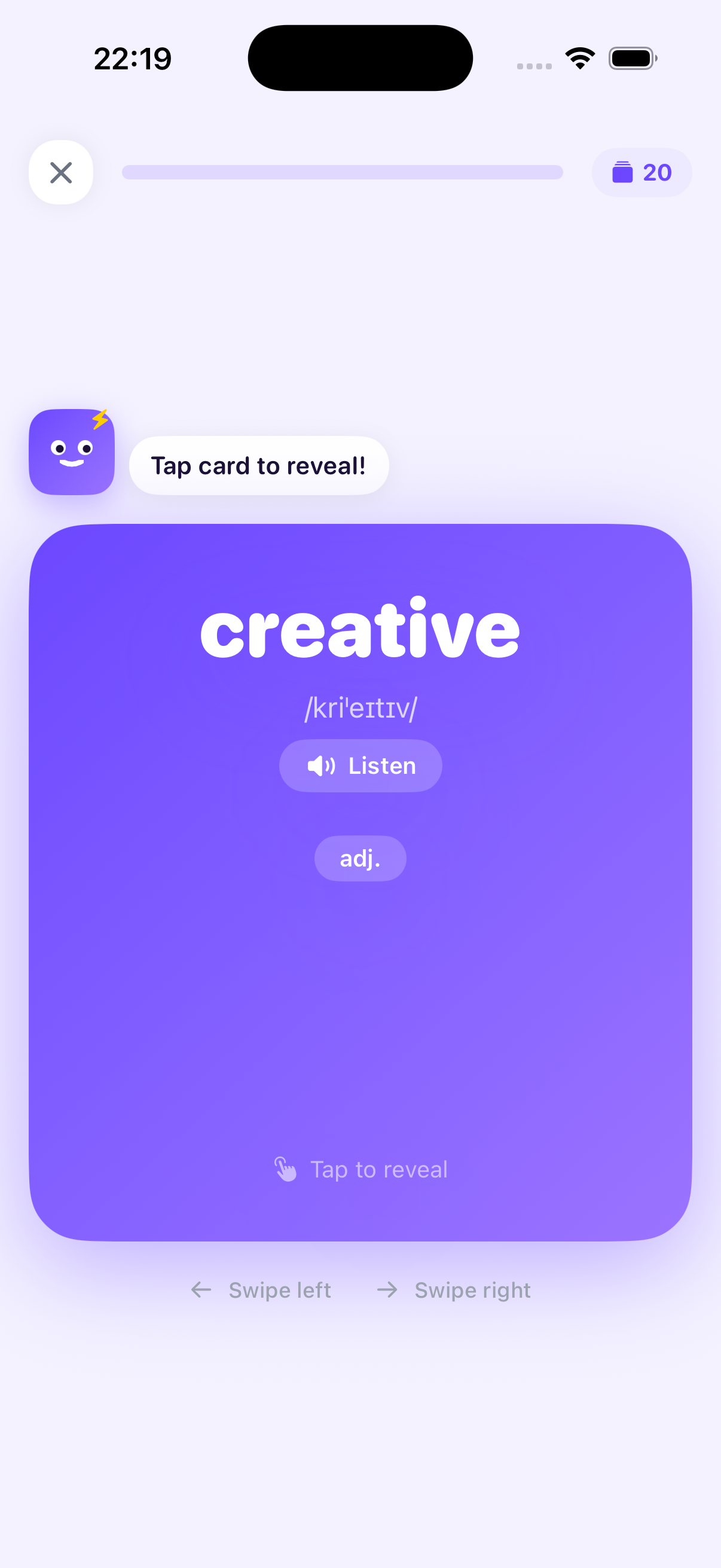
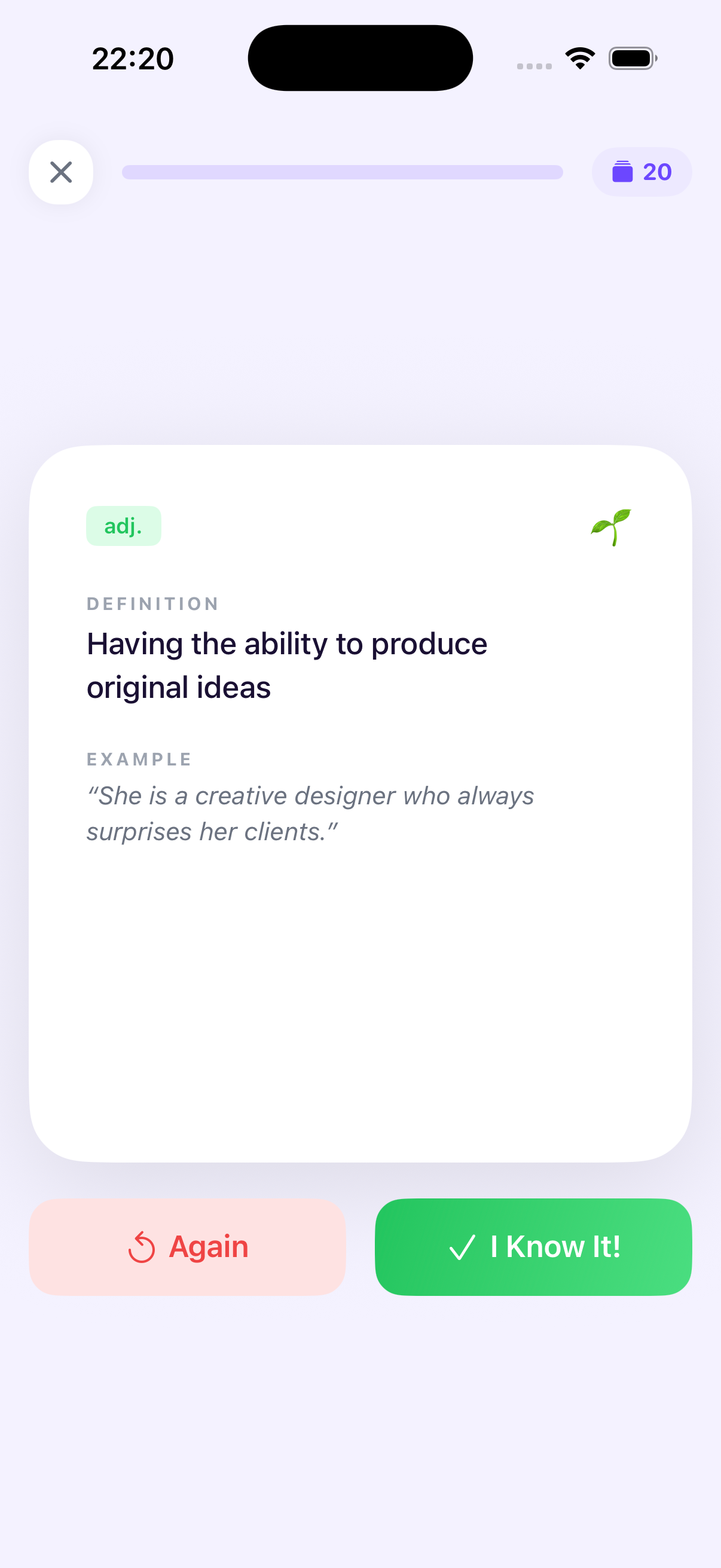
Flashcards
Self-paced front/back flip with explicit difficulty rating (Again / Hard / Good / Easy). IPA phonetics, example sentences, and native audio on every card. Adaptive scheduling based on rated difficulty.
Multiple Choice
Four-option questions with "smart distractors" wrong answers are semantically related to the target word, not random. Forces discrimination between words that share context.
Pronunciation
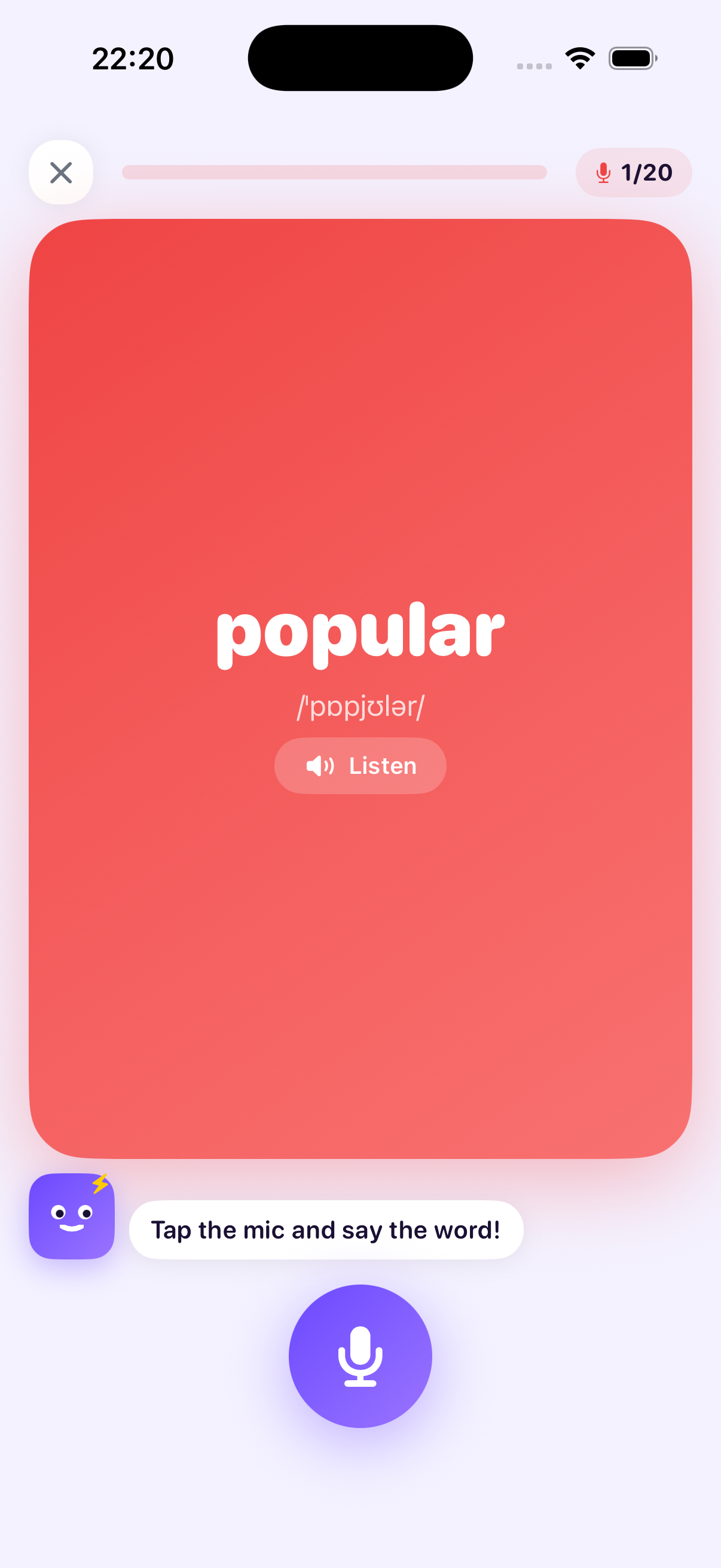
Hear the word, identify it from options. Trains audio recognition independently from reading. Uses native-quality text-to-speech with language-appropriate phonology for Korean and Thai.
Spelling
Type the word from its definition the deepest recall task. Most valuable for production fluency. Adaptive algorithm weights spelling practice more heavily for words flagged as weak in other modes.
The progression system XP, streaks, Beginner to Advanced levels is designed to reward consistent practice rather than raw score. A user who does twenty minutes of spelling practice at 60% accuracy earns more than one who does five minutes of easy flashcards at 100%. The metric is time-on-task quality, not vanity correctness.
Real-time multiplayer over Wi-Fi, fully offline, no server required
Multiplayer was the feature I was most uncertain about shipping not because of the UX, but because of the infrastructure. Real-time synchronised sessions typically require a backend. I wanted to avoid a backend entirely, because a backend means recurring costs, maintenance burden, and most importantly a dependency that kills the feature if the service ever goes down or the project becomes dormant.
The solution was Apple's MultipeerConnectivity framework: peer-to-peer networking over local Wi-Fi or Bluetooth, with no internet connection and no server. Two players on the same network connect directly. The session host broadcasts questions; both devices render answers simultaneously; results are synced at end-of-round.
What multiplayer battles look like
One player creates a battle room and shares a four-digit code. The second player joins. Both choose from the same three battle formats flashcards, quizzes, or spelling applied to a shared deck. Questions are presented simultaneously; the first correct answer wins the round. Final score shows correct answers, speed, and streak. Rematches start with one tap.
The design goal for the multiplayer UI was tension. The competitive format only works if the interface communicates that the other player is present and responding in real time. Animations, opponent status indicators, and round-end reveals were all designed to make the peer-to-peer connection feel live, not latent.
P2P
No server required MultipeerConnectivity over local Wi-Fi
3
Battle formats flashcards, quizzes, spelling
100%
Offline multiplayer works without internet connection
What shipped
Four Study Modes
Flashcards, multiple choice, pronunciation recognition, spelling all adaptive, all on the same deck
1,000+ Curated Words
20 topic decks across Business, Travel, Science, Psychology, Law, and more ready to study from install
OCR Deck Import
Photograph a printed vocabulary list to create a custom deck; Vision framework handles parsing and definition lookup
Wi-Fi Multiplayer
Real-time battles via MultipeerConnectivity no server, no internet required, no ongoing infrastructure cost
12-language Definitions
Definitions displayable in Vietnamese, Japanese, Chinese, Arabic, Spanish, Portuguese, French, German, Italian, Hindi, and more
XP & Streaks
Progression system rewarding consistent study quality, not just session completion
The most important design decision in WordPopi wasn't any individual screen it was the commitment to making every feature work offline, without accounts, and without a backend. That constraint made the product simpler, faster, and more durable.